
Services
AI CCTV and video analytics for bank branches, ATMs and stores
We add video analytics to the cameras and NVR/DVR recorders you already have. Branch managers, store managers and security teams receive queue and visitor counts, event notifications, camera status and routine reports.
How video analytics works
Video analytics (CCTV analytics) means that software processes the CCTV video to count people, measure time and flag events against rules you set. Staff then open only the flagged events and play the clips.
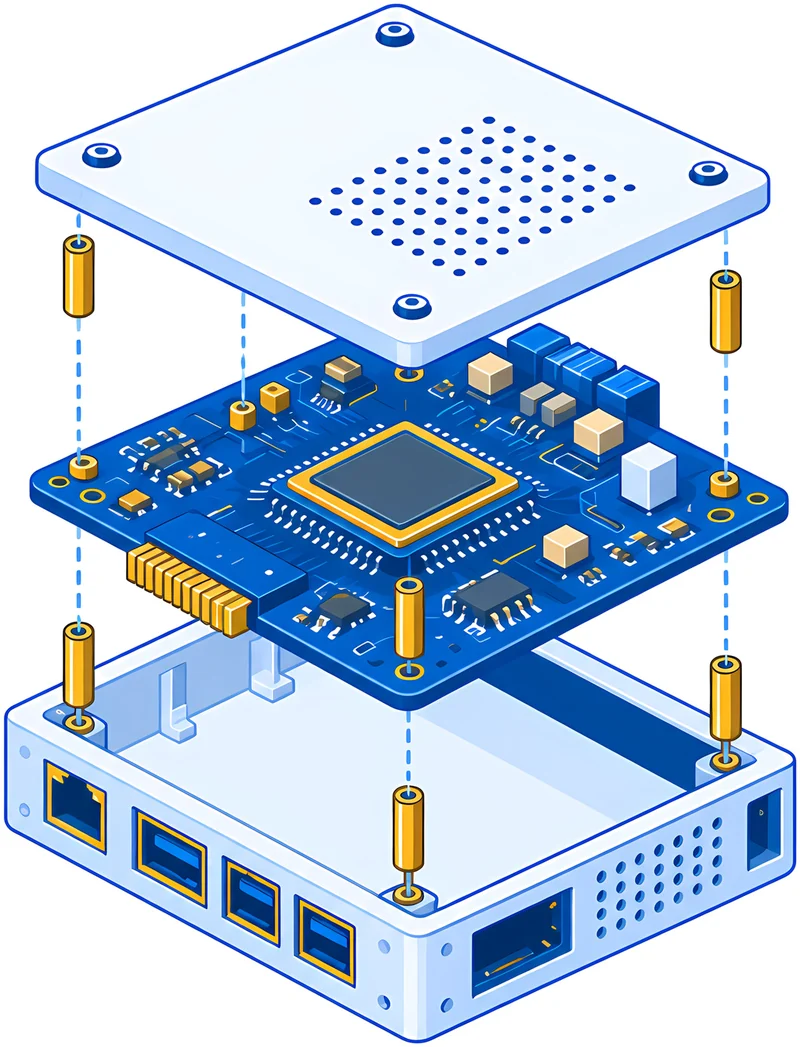
The analysis runs on an AI device installed at the site, which reads video from the existing recorder. Recordings stay at the site. Only analysis results, event data and event clips are sent to the dashboard.
We deliver this service with MocengVision, a platform built by Teguh Hardiansah and Nabil Basyuni. The sector focus is banking and modern retail: bank branches, ATMs and stores.
Existing cameras & recorders
- Cameras at branches, stores and ATMs
- NVR/DVR already installed
On-site AI device
- Queues and waiting time
- Restricted zones, dwell time
- Covered or shifted cameras
Dashboard, notifications, reports
- Notifications to phones
- Daily, weekly, monthly reports
- Footage search
Data flow: existing cameras and recorders, the AI device at the site, then the dashboard, notifications and reports.
Functions you can choose per camera
Each site uses a different combination of functions. We select them with your operations team.
-
Queues and waiting time
The system counts people in the queue zone at the teller, customer service desk or checkout, and measures how long they wait.
Number of people waiting and waiting time per hour, on the dashboard and in reports.
-
People counting
People who cross a counting line at the entrance or in a service area are counted automatically.
Visitor numbers per hour and per day, including peak hours.
-
Dwell time and long ATM sessions
The system measures how long people stay in a defined area, such as an ATM booth or a store aisle.
A notification when someone stays in that area longer than the agreed limit, for example an ATM session of more than 5 minutes.
-
Restricted zones and the two-person rule
The system flags anyone who enters a restricted zone against the rules, for example one staff member entering a vault that requires two people.
A notification with the event clip, sent to the designated staff.
-
Service activity
For teller and customer service desks, the system records whether each desk is staffed during service hours and how long each service takes.
An hourly summary of service activity in the daily report.
-
Camera and recorder status
A recorder can stop recording without anyone noticing. The system checks every camera and recorder, including cameras that are off, covered or moved, recorders that have stopped recording, and recorder clocks that have drifted.
A status list of cameras and recorders, and a notification when a problem appears.
-
Footage search
Staff open recordings by camera and by day on a timeline with events marked, then download the clips they need.
Event clips with camera and time data and a SHA-256 value for checking that the file is unaltered.
-
Video compression
The system compresses recorded video. The space saved depends on the cameras and the recorder settings.
Smaller recording files.
-
Daily, weekly and monthly reports
Routine reports are compiled from the counts and events at each site, then sent to the recipients you choose.
PDF reports per site for branch managers, store managers, security teams or the regional office.
AI CCTV trial at a state-owned bank (BUMN)
Core team experience in 2026. The bank is not named because the work is covered by a confidentiality agreement.
-
2026
State-owned bank (BUMN)
AI CCTV trial in one branch and two ATMs
MocengVision was trialled from August to September 2026 in one branch and two off-site ATMs, using the cameras and recorders already installed. Seven functions were tested: video compression, recorder and camera monitoring, footage search, AI for security and SOP compliance, service activity analysis, notifications, and daily, weekly and monthly reporting. Every clip was archived with its camera data, recording time, duration, file size and SHA-256 value.
1branch2off-site ATMs7functions tested- Delivered by
- MocengVision team and an integrator partner
- Status
- Trial completed, results delivered
AI CCTV project steps
Camera and recorder check
We list the cameras, NVR/DVR recorders and network at each site, then check whether the AI device can read video from the recorders. Cameras and recorders must meet minimum technical requirements.
Choosing functions per camera
With your operations team, we decide the functions for each camera, for example people counting at the entrance, queues in the waiting area and long sessions at the ATM.
Zones, limits and recipients
We draw zones on each camera view, enter service hours and time limits, and record who receives notifications and reports.
On-site test
The functions run at the selected sites. Your team checks the notifications and figures, and we adjust zones or limits where needed.
Routine reports and the next sites
Once the test results are agreed, daily, weekly and monthly reports run as routine. The next sites go through the same steps.
What you need to prepare
-
Sites and cameras
Site addresses, the number of cameras, and the brand and type of each NVR/DVR recorder. Photos or a floor plan of camera positions help the check.
-
Access to recorders and the network
Recorder accounts and approval from your IT team so the on-site device can read video from the recorders.
-
Priority functions and their rules
The functions you need most and their rules, such as service hours, waiting-time limits or the two-person rule for the vault.
-
Recipients of notifications and reports
Names and positions of the recipients, for example branch managers, store managers or the security team.
-
Internal approval
Approval from information security or compliance, if your company requires it.
FAQ
Questions about AI CCTV
Do we have to replace our cameras?
Not necessarily. We use the installed cameras and recorders if the check shows they meet the technical requirements. The state-owned bank trial also ran on existing cameras and recorders. We can supply any cameras that need to be replaced or added.
Which camera and recorder brands can be used?
Analogue and IP cameras of different brands and ages can be checked, as long as their video can be read from the NVR/DVR recorder. We confirm compatibility after the on-site check.
Is video footage sent off site?
No. Recordings stay at the site because the analysis runs on the device there. Only analysis results, event data and event clips are sent to the dashboard.
Does the system assess staff performance?
No. The system counts, measures time and sends notifications according to the rules you set. It does not score or rate staff.
How much does AI CCTV or video analytics cost?
The price depends on the number of sites and cameras, the functions chosen and any equipment that needs to be added. We prepare a quotation after checking the cameras and recorders.
Can it be used at ATMs outside the branch?
Yes, if the cameras and recorders at the ATM pass the technical check. The state-owned bank trial included two off-site ATMs.
Related pages
Discuss AI CCTV for your sites
Send us your list of sites and an estimate of the number of cameras. We will schedule a check of the cameras and recorders, then explain which functions can run there.